A new foundation for
rich text.
Three editors for paged documents, block documents and Markdown, built on an open-source foundation.
Three editors to embed in your product
Our editors,
built on the same open foundation
Editors
Classic, MD Editor and Block Editor are all composed from these public packages.
Editor core
- Document model
- Transactions
- Commands
- History
- Collaboration
- Extensions
Layout & rendering
- Pagination
- Display list
- Canvas
- SVG
- HTML
UI components
MIT
Extensions & editors
- Equations
- Whiteboards
- Flowcharts
- Mind maps
- Data views
- Text diagrams
- MSFE
Editors
- Classic
- MD Editor
- Block Editor
Editors
Classic, MD Editor and Block Editor are all composed from these public packages.
One display list.
Four outputs.
Document layout
Text, tables and graphics laid out on one page.
Layout boxes
Glyph runs
Tables and graphics
Selection and overlays
- Canvas 2DOn-screen editing
- SVGVector display and accessibility checks
- PDFPrint and archive · commercial
- OFDChinese fixed-layout format · commercial
01Document layout
02Display list
DISPLAY LIST
Glyphs & positionsGLYPHS
Tables & pathsPATHS
Graphics & imagesDRAWINGS
One layout, shared coordinates
Canvas 2D
Edit on screen
SVG
Vector display
Print & archive · commercial
OFD
Fixed-layout format · commercial
Document layout
Text, tables and graphics laid out on one page.
One core.
Three views.
Paginated view
Canvas and SVG lay out and paginate on their own; the screen is the printed page.
QuireKit Core
- Document model
- Transactions
- Commands
- Plugins
- History
- Collaboration
- Input rules
- Keymaps
- Extensions
Paginated view
Block view
Native DOM view
Paginated view
Canvas and SVG lay out and paginate on their own; the screen is the printed page.
Try two live editors below. Find the paginated editor at the top of this page
AI Native
AI edits the document directly; changes take effect after review (commercial component)
Read
The document is projected into a structured view with block IDs.
0/ 6 commands applied
#b1#b2#b3#b4#b5
Minimal table borders
Charts
Equations
Flowcharts
Comments
Contents
AIGrowth figures checked. Add a note on the quarter.
document_read
#b1headingQ3 2026 Business Report#b2paragraphQ3 revenue: CNY 482 million…#b3tableBusiness × quarter, 3 × 4#b4chartColumn chart, 6 data points#b5mathr = (x₁ − x₀) / x₀
document_edit · 1 request
- Table style · minimal borders
#b3 - Chart · stacked columns
#b4 - Insert equation · LaTeX
#b5 - Insert flowchart
#b5 - Add comment
#b2 - Insert table of contents
#b1
AI revisions · 6 changesOne reviewAccept allReview changes
Read · 0 / 6
The document is projected into a structured view with block IDs.
Markdown, saved as written
All four views on the left work on the same Markdown, and the right is the saved file: no format conversion in between, and only the line you change moves.
Graphics editors, MIT licensed, usable on their own
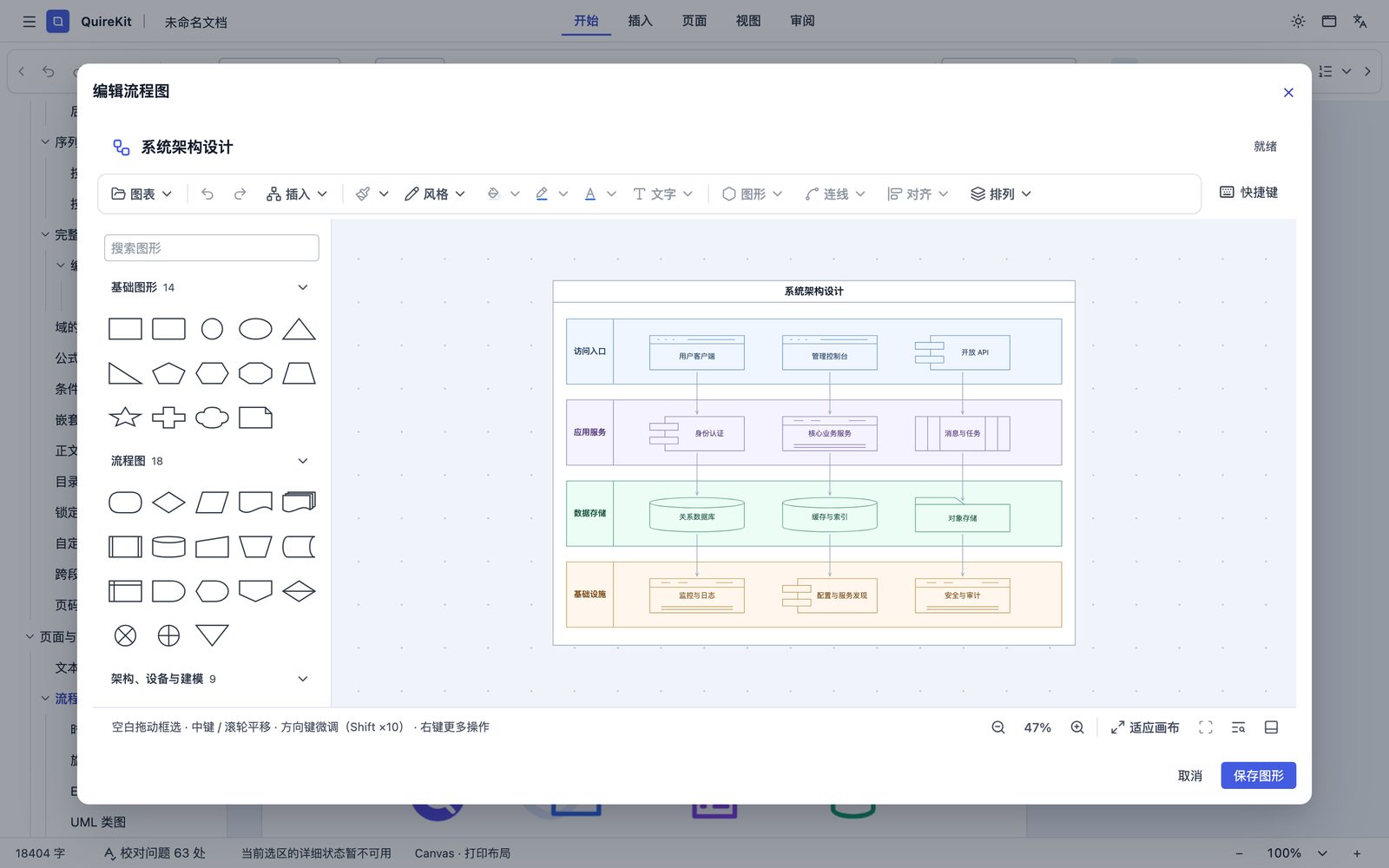
Flowcharts@quirekit/flow-editor
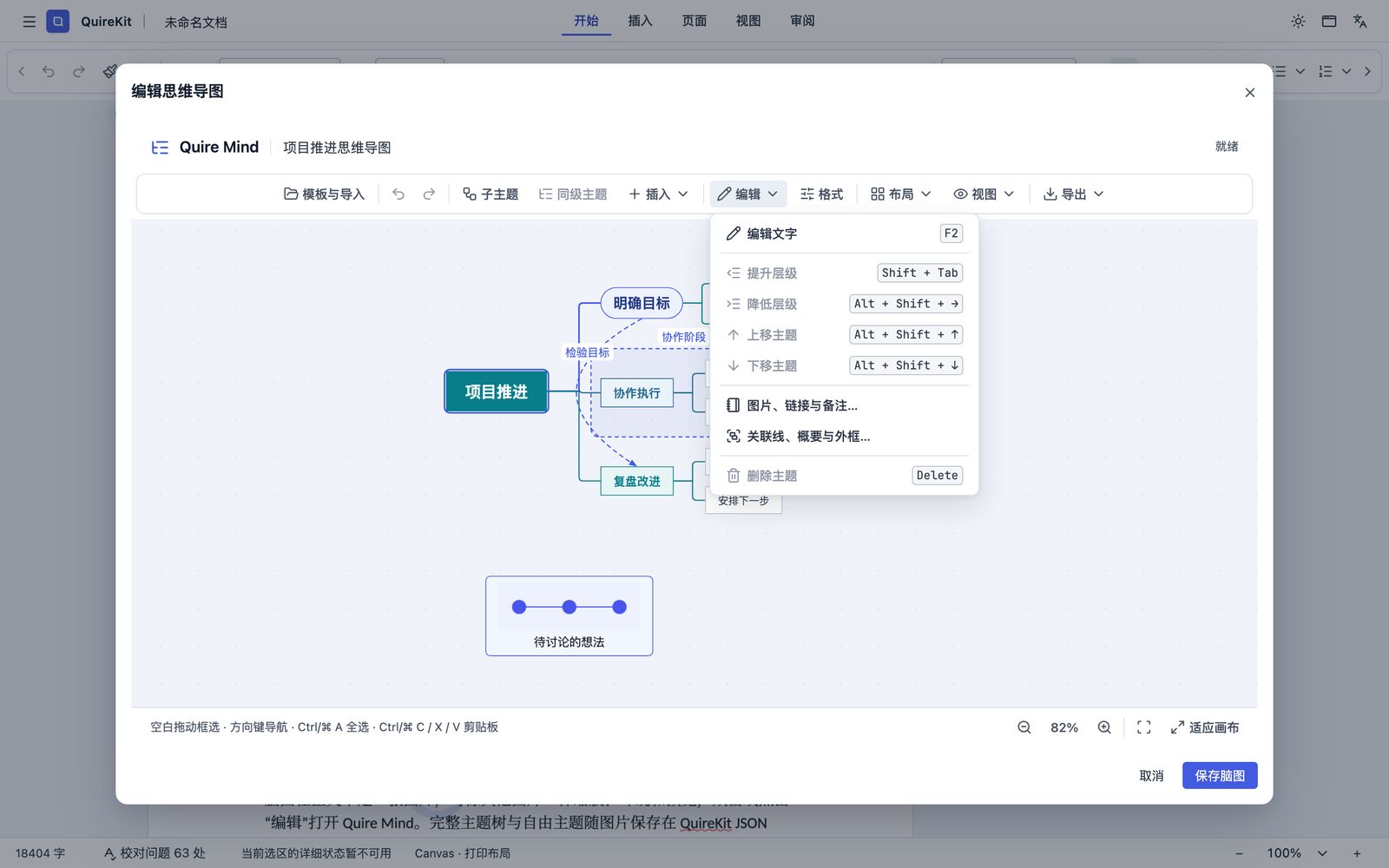
Mind maps@quirekit/mind-editor
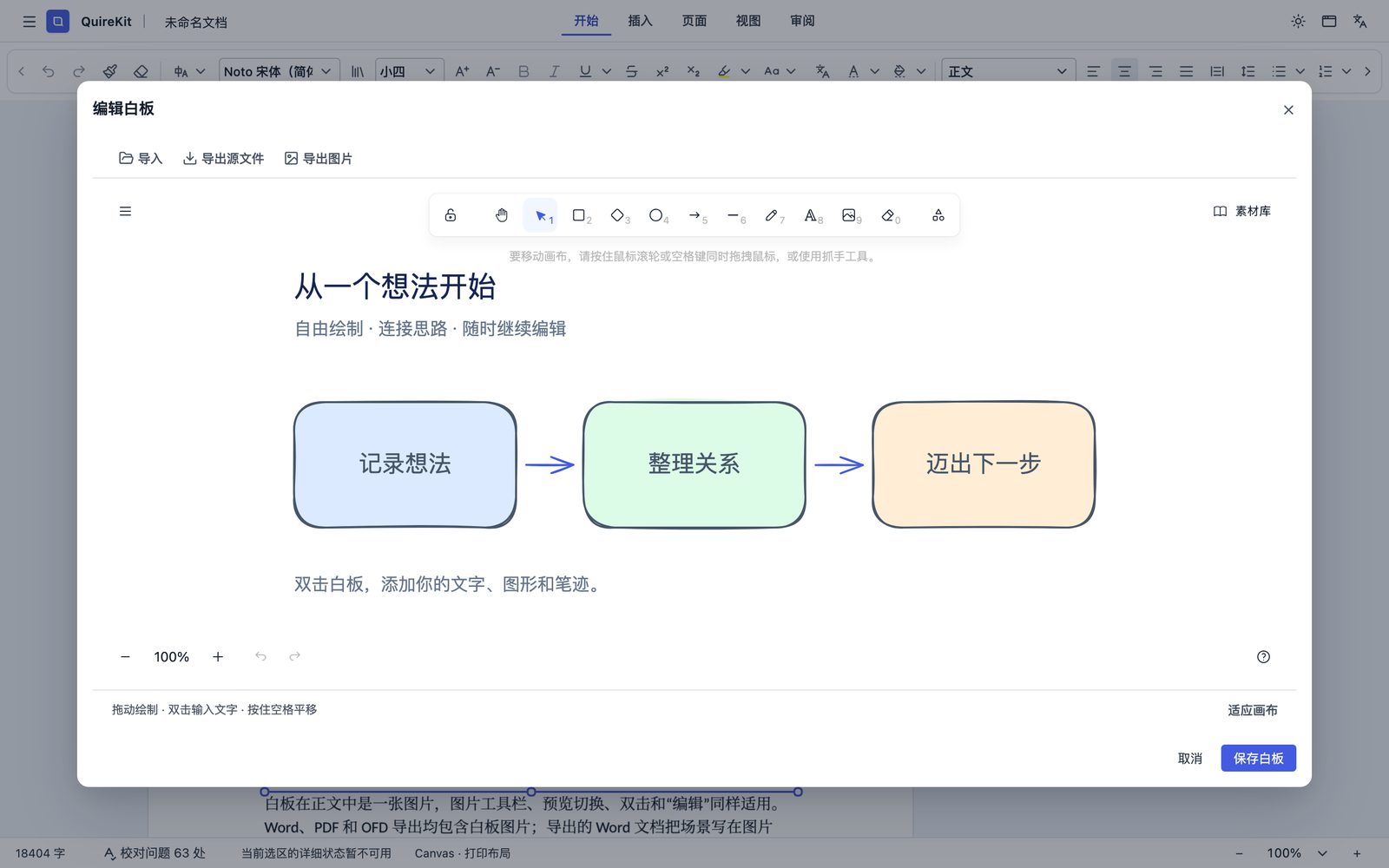
Whiteboards@quirekit/whiteboard-editor
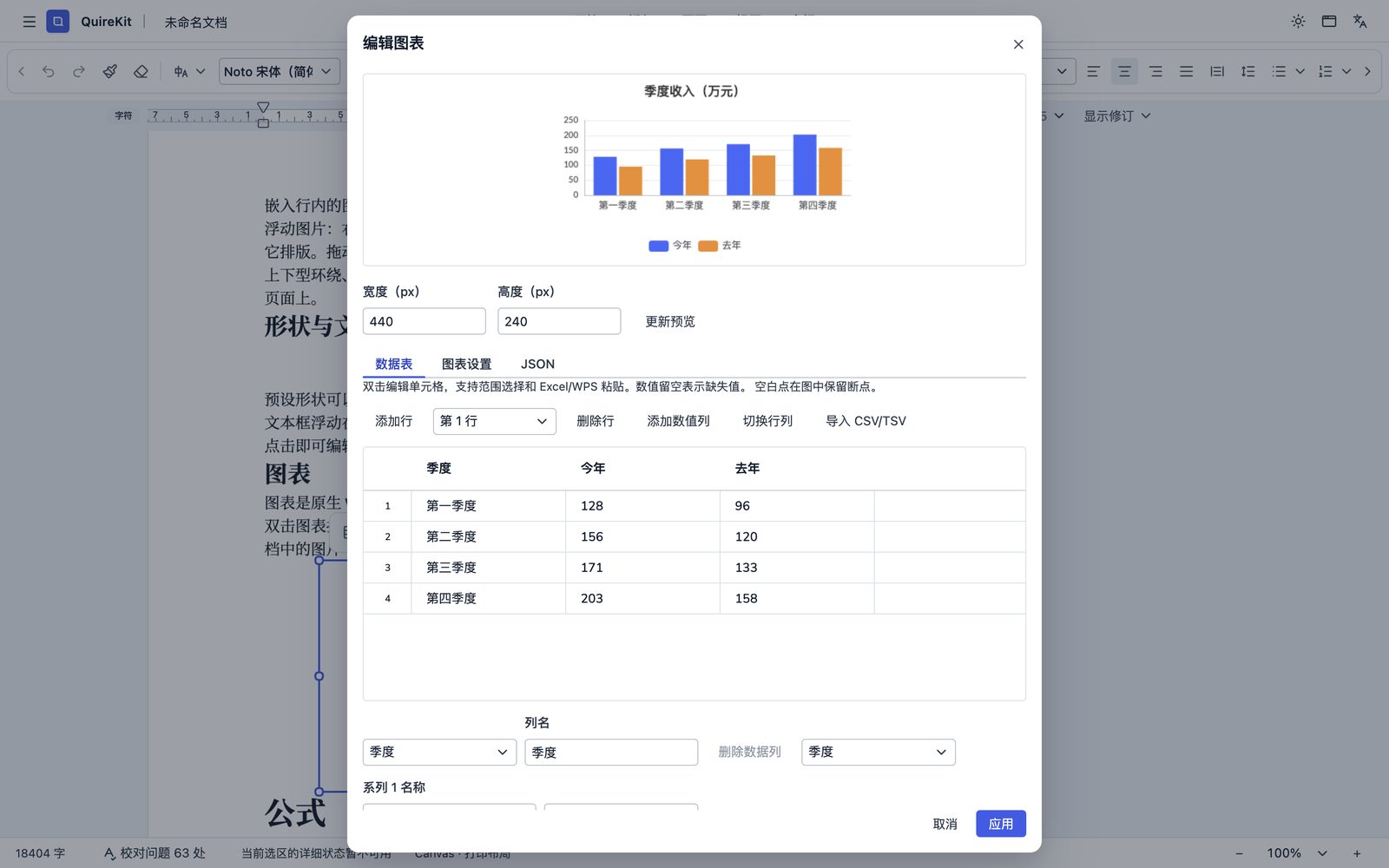
Charts@quirekit/chart
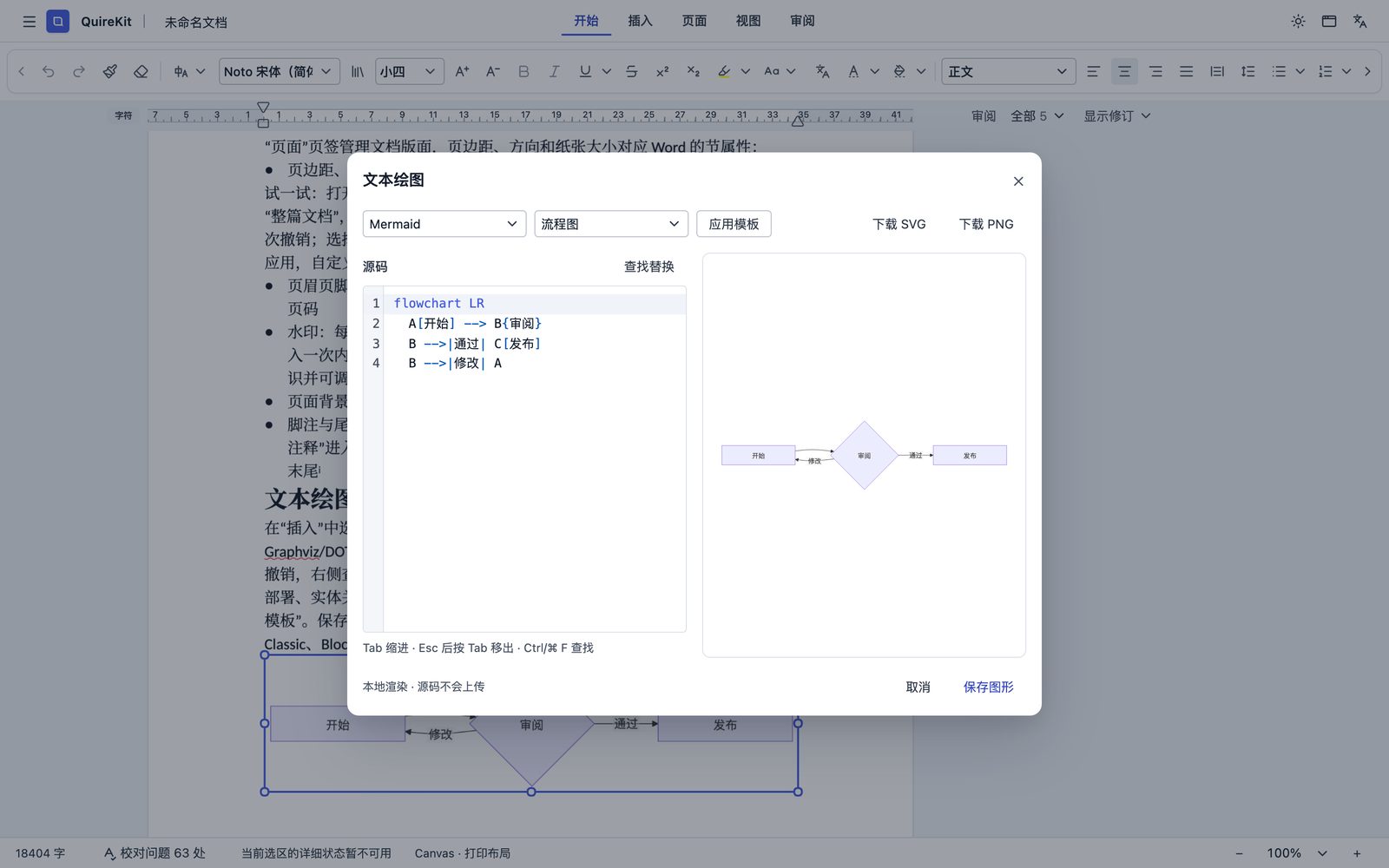
Text diagrams@quirekit/text-diagram-editor
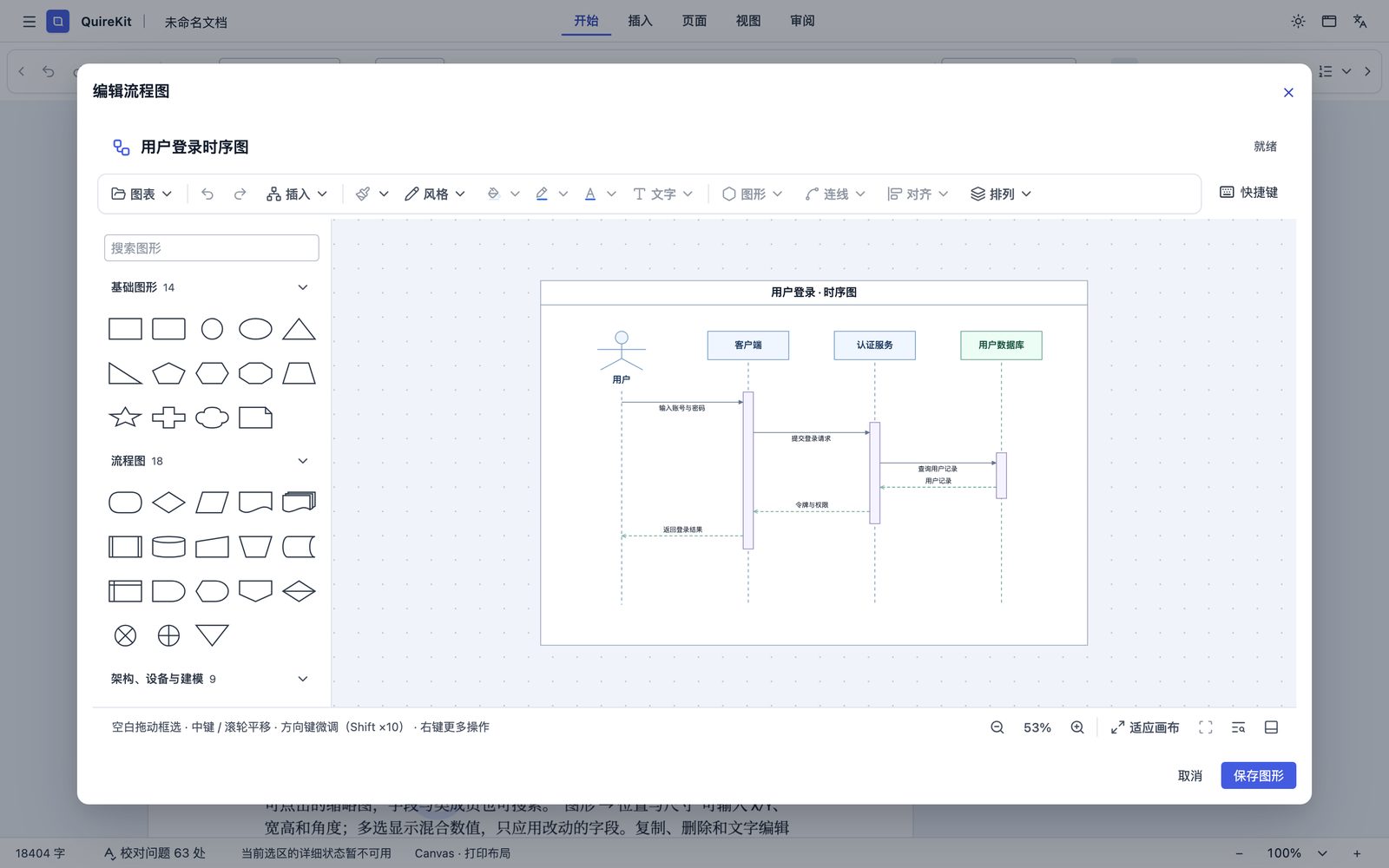
Sequence diagram@quirekit/flow-editor
One component set, one interface language
Current color
Preset colors
Export PDF68%
MITPublishedControl plus K
Complete
operations for text and graphics
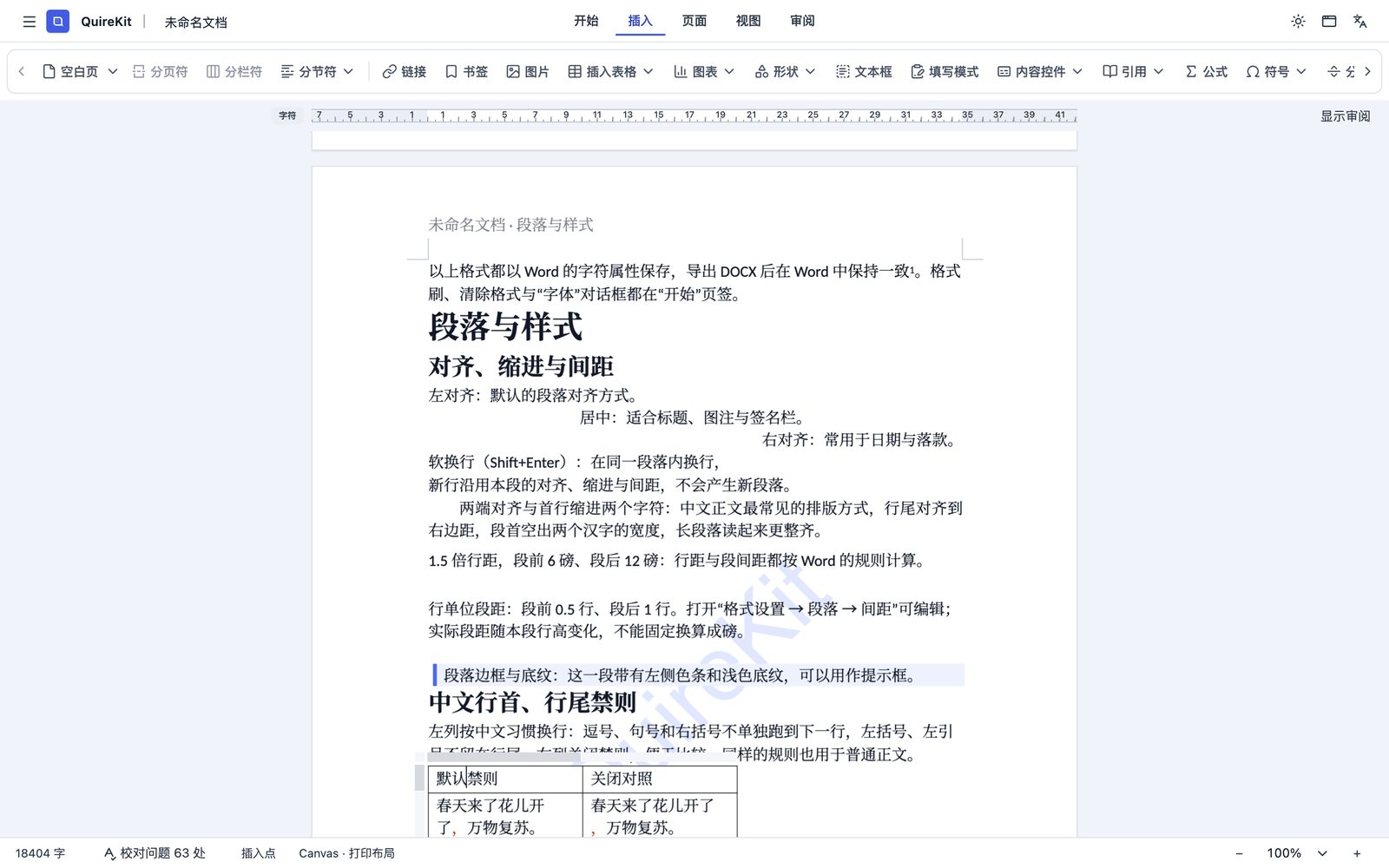
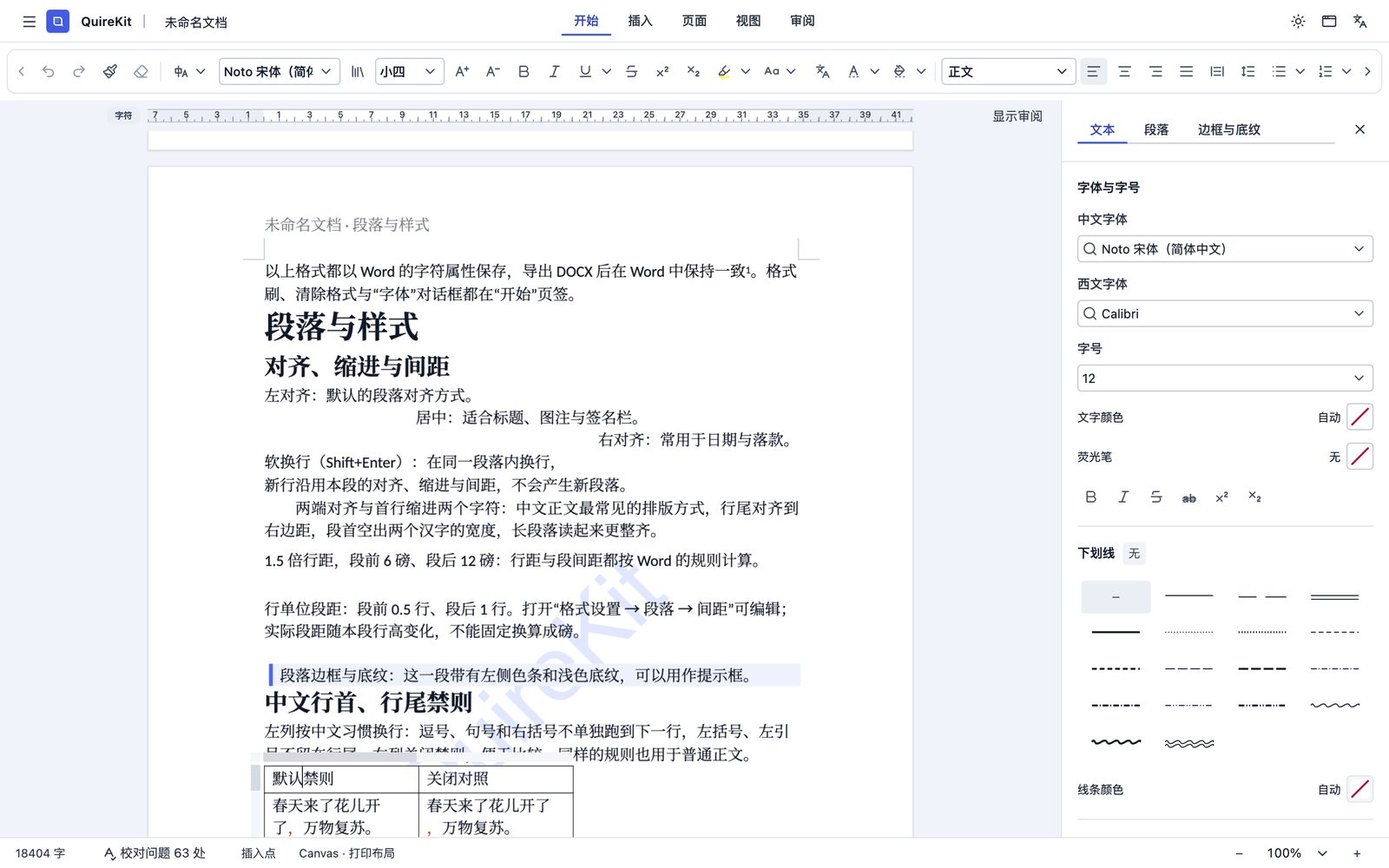
Dedicated editors for every object, complete settings for every format.
Install only the packages you need
White MIT · Light blue AGPL · Black-gold commercial
Commercial@quirekit/ai-chat
Host-agnostic AI conversation workspace built from public Chat components and document tools.
001 / 193
Search all packages
193 packages found
- ai-chatCommercial
Host-agnostic AI conversation workspace built from public Chat components and document tools.
- classic-proCommercial
Professional review, comment and form authoring UI for QuireKit Classic Word.
- coreMIT
QuireKit editor core and extension manager.
- data-view-editorMIT
MIT shared table and kanban authoring workspace.
- flow-editorMIT
Shared QuireKit flowchart authoring workspace.
- imeMIT
Renderer-neutral IME composition engine for QuireKit editor views.
- incremarkMIT
Streaming Markdown sessions and extensible Vue reading with QuireKit Lezer.
- lit-docxCommercial
Implementation-neutral LitAST and DOCX parser, generator, and compiler foundation.
- math-uiMIT
Vue UI implementation for the QuireKit headless formula editor, with host-owned commits.
- md-editorMIT
QuireKit Markdown document editor with shared Prose presentation.
- mind-editorMIT
Quire Mind: a shared mind map editor with IME, Toolbar and themed infinite canvas.
- msfe-coreMIT
Source-first Markdown editor framework on CodeMirror: editor state, blocks, history and live presentation.
Open-source core, commercial add-ons
Build on the open framework
The editing core, the Markdown editor and the diagram editors are MIT; the layout engine and Block Editor are AGPL.
Ready-to-use official editors
Yearly per application with public prices; development and evaluation are free with no time limit.